
QR Menu Mistakes That Frustrate Customers (Cost You Sales)
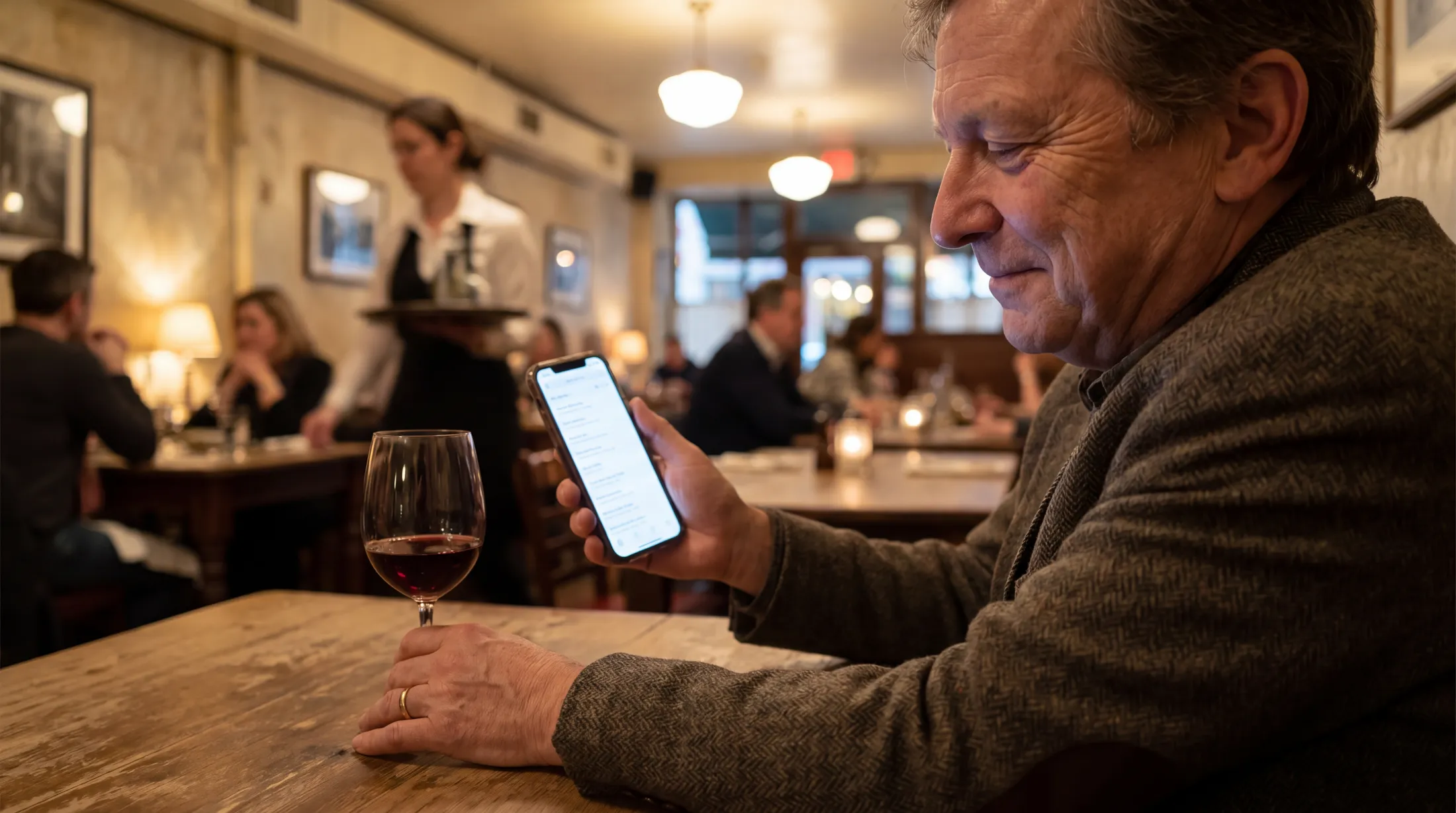
The diner backlash against QR menus that surfaces in restaurant industry press isn't really backlash against QR codes. It's backlash against the worst implementations of QR codes — and there are still a lot of them in the wild in 2026.
TL;DR — Key Takeaways
The biggest QR menu frustration in 2026 isn't the technology — it's the implementation. Tiny codes, slow load times, no language switcher, and PDF-instead-of-menu kill more scans than skepticism does.
Default body text should never be smaller than 16px on a phone-rendered menu. Anything below that is unreadable for diners over 50 and uncomfortable for everyone else.
Menus that take more than 2 seconds to load lose ~15% of scanners. Optimize images, avoid heavy fonts, and host on a CDN.
The single most common complaint: "I scanned the QR and got a PDF I had to pinch-zoom around." Fix this by using a real menu platform, not a PDF behind a code.
Keeping a small stack of paper menus at the host stand, available on request, eliminates the "elderly diner can't use the menu" complaint without forcing universal paper.
QR menus aren't the problem — bad QR menus are
The diner backlash against QR menus that surfaces in restaurant industry press isn't really backlash against QR codes. It's backlash against the worst implementations of QR codes — and there are still a lot of them in the wild in 2026.
This article catalogs the eight most common QR menu mistakes seen in field audits, what they cost in lost engagement, and the fix for each. Most of them are 30-minute fixes that lift scan rates and customer satisfaction immediately.
Mistake 1: Pointing the QR code at a PDF
The symptom: the guest scans, the phone opens the file as a PDF, and the guest has to pinch-zoom to read. Tiny text. Two-column layout that breaks on phones. Photos that take forever to load. Allergen info buried somewhere.
The cost: the most-cited single complaint about QR menus in 2026. Diners interpret "PDF on a phone" as "the restaurant doesn't care."
The fix: stop pointing your QR code at a PDF. Use a hosted menu platform that renders responsively to the phone screen. Tools like Intermenu handle this by default — the menu page is built specifically for phone reading, not for printed-page reading.
If you absolutely must keep a PDF version (some hotel groups still require one for back-office reasons), make it a separate "Download printable PDF" button on the responsive menu — not the menu itself.
Mistake 2: Tiny QR codes
The symptom: the QR code on the table tent is 1.5cm × 1.5cm because someone wanted the design to look elegant. The guest's iPhone struggles to scan it from a normal seated distance. Two attempts. Repositioning the phone. Eventually the guest gives up and asks the server.
The cost: every additional second a guest spends trying to scan is a moment they're considering walking out. Older phones (iPhone 11 and earlier, mid-range Androids) are particularly affected.
The fix: print at 4cm × 4cm minimum on table-level signage. 10cm+ on window decals. Test with an older phone before committing to a print run.
Mistake 3: Slow-loading menu page
The symptom: the guest scans, the menu starts to load, and… loads… and loads. Three seconds. Five seconds. The guest is now staring at a white screen trying to remember what they wanted to do.
The cost: roughly 15% of scanners abandon at 2 seconds, 30% at 3 seconds, 50%+ at 5 seconds (these numbers track web load-time abandonment generally and are consistent in restaurant menu data).
The fix: four levers, in priority order:
Optimize images— use modern formats (WebP, AVIF), serve them at the actual display size, lazy-load below the fold.
Use a CDN— your menu shouldn't be served from a single origin in another country.
Avoid heavy fonts— system fonts or one carefully chosen web font, not three.
Don't load analytics scripts that block render— analytics should run after the menu is visible, not before.
A well-built menu page should load in under 1.5 seconds on a mid-range phone over 4G. If yours doesn't, your platform is sub-par.
Mistake 4: No visible language switcher
The symptom: the QR menu auto-detects the guest's phone language. The phone is set to English, but the guest actually wants to read in their native language (which they typed manually into Google Translate before this trip). They look for a language switcher. There isn't one. They give up.
The cost: wasted on every multilingual feature you're paying for.
The fix: a clearly visible language switcher in the top-right corner of the menu, with the current language indicated and a dropdown of all available languages. It should be the second-most-prominent UI element after the restaurant logo.
This sounds obvious, and yet a meaningful percentage of QR menus in 2026 hide the language switcher in a hamburger menu or footer. Don't.
Mistake 5: Text too small to read
The symptom: the menu loads, the guest squints, then zooms with two fingers, then reads, then de-zooms to scroll, then re-zooms to read the next dish.
The cost: older diners simply give up. Tourists with mild visual fatigue order conservatively because they don't want to read the descriptions.
The fix: minimum 16px body text. Headings 20px+. Generous line-height (1.5x or more). High contrast (black or near-black on white or near-white). A built-in "increase text size" button helps too.
If your menu platform doesn't let you control these settings, switch platforms. This is non-negotiable in 2026.
Mistake 6: No paper menu backup
The symptom: the elderly diner sits down, scans the QR, finds the menu unreadable, asks the server for a paper menu, and is told there isn't one. The diner is now in a bad mood for the rest of the meal.
The cost: review damage that lingers for years, plus actual revenue loss as the table orders less.
The fix: keep a small stack of paper menus at the host stand, printed automatically from the digital master so they never drift out of sync. Offer them on request. Most older guests won't ask, but knowing the option exists removes anxiety.
This eliminates the entire "QR menus exclude older diners" critique without forcing universal paper.
Mistake 7: Outdated menu behind the QR
The symptom: the guest scans, the menu loads, the guest orders the lamb shank, the server says "we removed that two months ago, but the QR menu still has it."
The cost: trust damage that compounds. The guest now mentally discounts everything else on the menu.
The fix: the master menu must be the single source of truth, and your QR must point at the live menu, not at a copy, so guests always see the current version. If you're hand-maintaining a separate "QR menu" that drifts from the kitchen's actual menu, you're guaranteed to have this problem repeatedly.
A modern menu platform makes this near-impossible — there is one canonical menu, every change propagates instantly.
Mistake 8: No way to flag a problem
The symptom: the guest finds a typo, sees a wrong price, notices a dish missing — and has no way to flag it short of telling the server, who is too busy to write it down, who forgets.
The cost: small typos and price errors persist for months, signaling carelessness.
The fix: a small "report an issue with this menu" link in the footer, sending an email to the restaurant manager. Most guests will never use it. The 1–2% who do are doing free QA on your menu, which is invaluable.
Why do some customers refuse to scan QR menus?
After auditing diner feedback, the four most-cited reasons are:
1. Privacy concerns. Some diners worry that scanning gives the restaurant access to their phone or their personal data. The fix: a clear privacy note on the menu landing page ("This menu does not collect personal data; only anonymous analytics on which dishes get viewed").
2. Phone battery anxiety. Especially for travelers near the end of a day. The fix: hand out a paper backup on request.
3. Older eyes. Phone screens at small text are hard on aging vision. The fix: large default text + paper backup.
4. Disliking phones at the dinner table. A philosophical preference. The fix: paper backup, no judgment.
The first concern (privacy) is the easiest to address with a well-written privacy note. The other three resolve with a paper-backup-on-request policy.
How do I make my QR menu work for elderly diners?
Six design choices that meaningfully improve QR menu usability for older guests:
1. Default text at 18px instead of 16px. Two extra pixels make a real difference for 60+ eyes.
2. High-contrast color scheme. Black on white. Pastel-on-pastel "designer" palettes are unreadable for many older guests.
3. A "larger text" button in the menu top bar. Even guests who can read the default appreciate the option.
4. Simple navigation. A linear list of categories beats a nested mega-menu for less-tech-savvy guests.
5. Big tappable areas. Buttons and links should be at least 44px × 44px (the iOS recommended minimum for accessibility).
6. Paper menu offered proactively for any guest who appears to be struggling with the QR. Servers should be trained to offer this without making it feel like a failure on the guest's part.
A well-designed QR menu is more accessible to older diners than a small-print paper menu. The accessibility critique is true only of badly designed QR menus.
Why is my QR menu loading slowly?
Five most common causes, in descending order:
1. Unoptimized images. A 5MB photo of a steak dish will choke a phone on 4G. Compress aggressively, serve at display size.
2. Self-hosted on a slow server. Your shared web hosting doesn't cut it. Use a CDN-backed menu platform.
3. Too many tracking scripts. Every third-party script you add (Google Analytics, Meta Pixel, etc.) adds to load time.
4. Heavy fonts. Three custom Google Fonts cost real time. Use system fonts or one carefully chosen web font.
5. Auto-playing video. A "look at our atmosphere" video that auto-loads on the menu page is one of the most common causes of slow load. Don't.
A menu page should be under 500KB total payload and load in under 1.5 seconds on a mid-range phone over 4G.
Should I keep paper menus as a backup?
Yes. Always. The right policy is:
No paper menus per table by default. This is what keeps your print costs near zero.
A small stack at the host stand. Available on request, with no friction.
Servers trained to offer paper proactively if a guest is visibly struggling with the QR menu.
This satisfies the small minority who want paper, eliminates the "QR menus exclude people" critique, and saves 85–90% of your old print budget. It's a strict-improvement policy.
Frequently Asked Questions
Why do some customers refuse to scan QR menus? Privacy concerns, phone battery anxiety, older eyes, and personal preference for paper. Most can be addressed with a privacy note, paper backup on request, and a well-designed (large-text, high-contrast) menu page.
How do I make my QR menu work for elderly diners? Use 18px default text, high contrast, a larger-text button, simple navigation, and offer paper menus proactively. A well-designed QR menu is more accessible than small-print paper.
What size text should a QR menu use?16px minimum body text, 18px is better. 20px+ for headings. Generous line-height. High contrast.
Why is my QR menu loading slowly? Most common causes: unoptimized images, slow shared web hosting, too many tracking scripts, heavy custom fonts, auto-playing video. Aim for sub-1.5-second load on 4G.
Should I keep paper menus as a backup? Yes — at the host stand, available on request, generated automatically from the digital master so they never drift. This satisfies paper-preferring guests without forcing universal paper.
Audit Your Current QR Menu
If your QR menu was set up two or three years ago, it's likely guilty of two or three of the mistakes above without you knowing — and each one is invisibly costing you scans and orders.
Intermenu lets you check most of these yourself: its Today dashboard lists nine kinds of menu gap — dishes with no price, no allergen or diet tags, no photo, a language missing on some dishes and more — each linked straight to the fix.
Try Intermenu free and see what your menu is missing →