
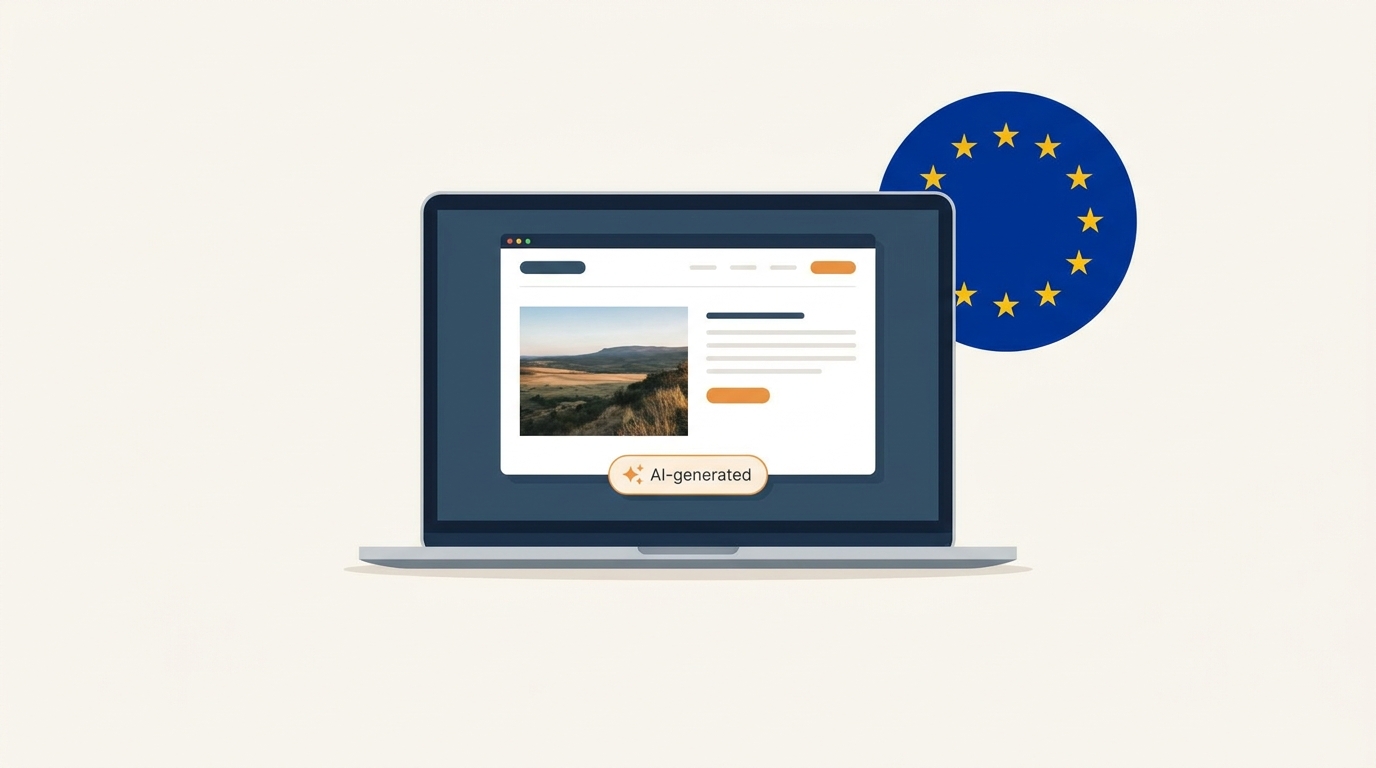
EU AI Act: How to Label AI Images on Your Site (Free Plugin)
Article 50 is live. Most guides confuse what the AI tool must do with what you must do. Here's the practical version — plus a free WordPress plugin.
Multilingual menus, AI food photography, hospitality, and food culture — by the team building Intermenu.
Article 50 is live. Most guides confuse what the AI tool must do with what you must do. Here's the practical version — plus a free WordPress plugin.
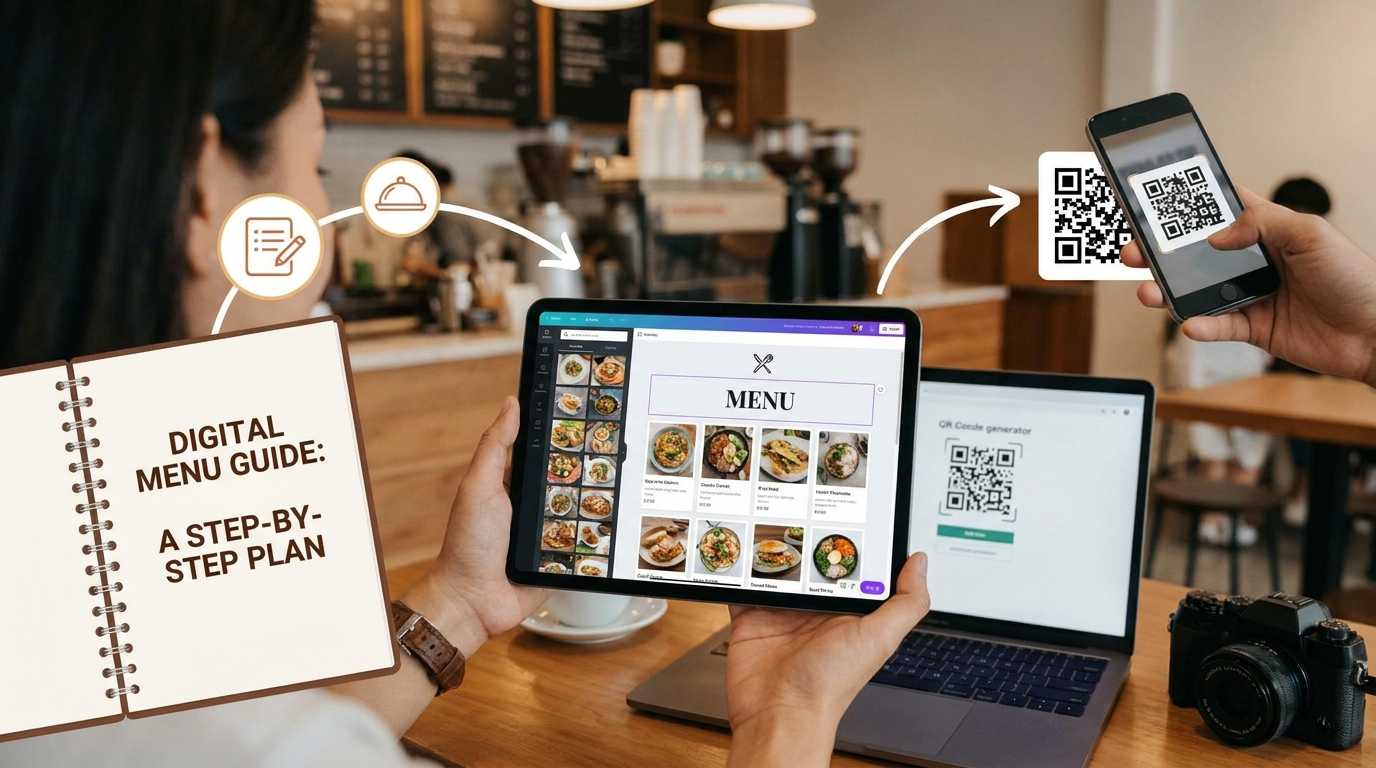
Most owners think going digital means retyping the whole menu on a Tuesday night. It doesn't. The fastest route starts with the menu you already print — a photo of it — and ends with a live page your guests read in their own language.
One in two diners now eats around a dietary rule at least sometimes. Here's how to design, label, translate and profit from an inclusive special-diet menu.
The complete hub of restaurant menu ideas: what to include, how to design and price a menu, ideas for every venue type, and how to turn it into a live digital menu.

A QR code menu serves the people already sitting in your dining room. The same page, published properly, also works while your dining room is empty — as a real web page search engines can read and as a card in a public directory guests search by dish. Here is how that half of going digital works, and the five conditions you have to meet.
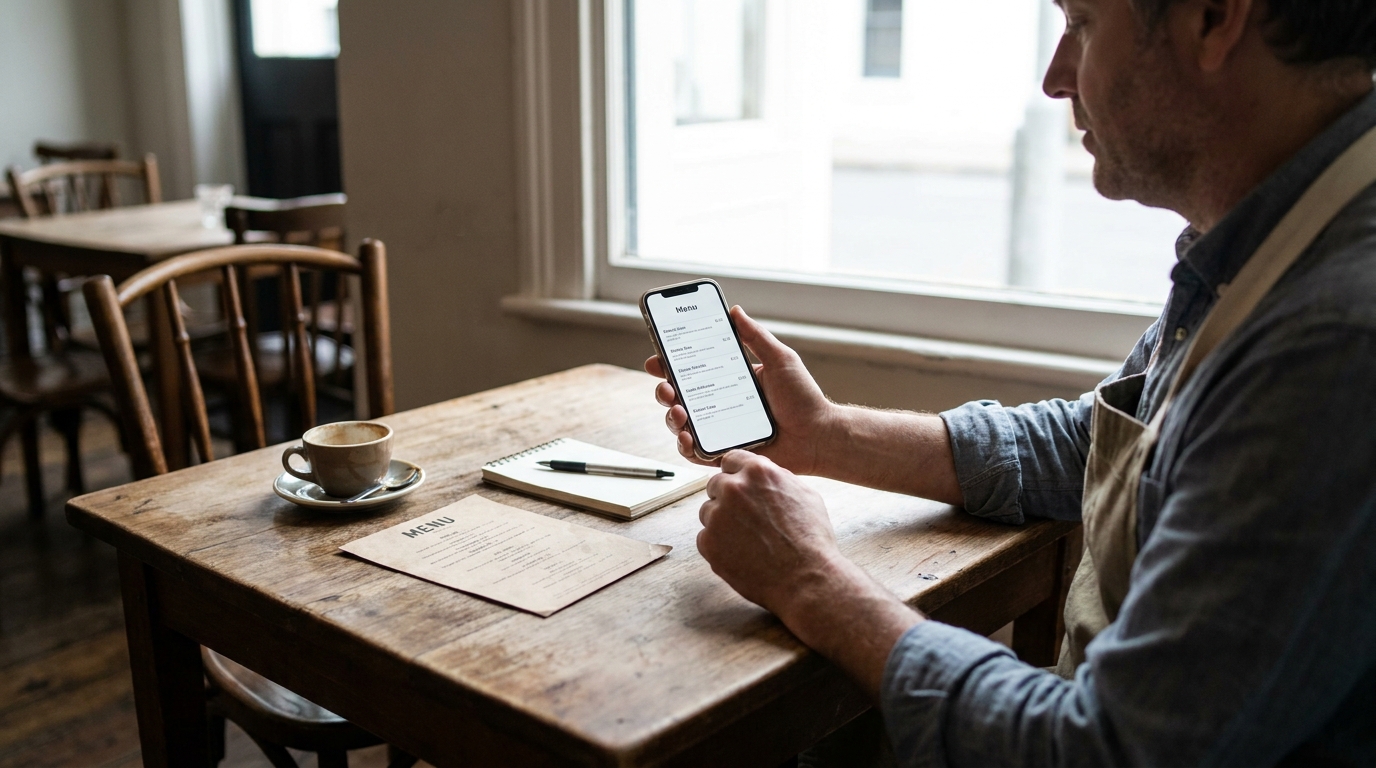
You searched your restaurant's name and found a page with your dishes on it that nobody at your restaurant built. That page is a compiled menu, and you have two real options: take it over, or have it taken down. Both are a few minutes of work, and neither one is the default.

A QR menu shows the food. QR ordering takes the money. Between those two sentences sits a POS decision, a change to your servers' job, a different rhythm at the pass, and a set of venues where the whole idea is wrong. Here is the honest version.

On a phone, your category order is your menu design. A guest sees roughly four items per screen, has no server to ask, and is comparing you against six other restaurants in adjacent tabs. Here is the sequence that converts, the item counts that work, and the dishes that should never leave your kitchen in a bag.

Your guests are asking an assistant instead of typing a query. This is the operator's side of that shift — how to publish menu data machines can parse, which crawlers to allow, and how to test whether ChatGPT and Gemini actually know your restaurant exists.

Coffee, cocoa, palm oil, soy and beef are all covered by the EU Deforestation Regulation — which is most of your supply chain. Here is the honest version of what a restaurant actually has to do, what it does not, and the questions to send your suppliers before December 2026.
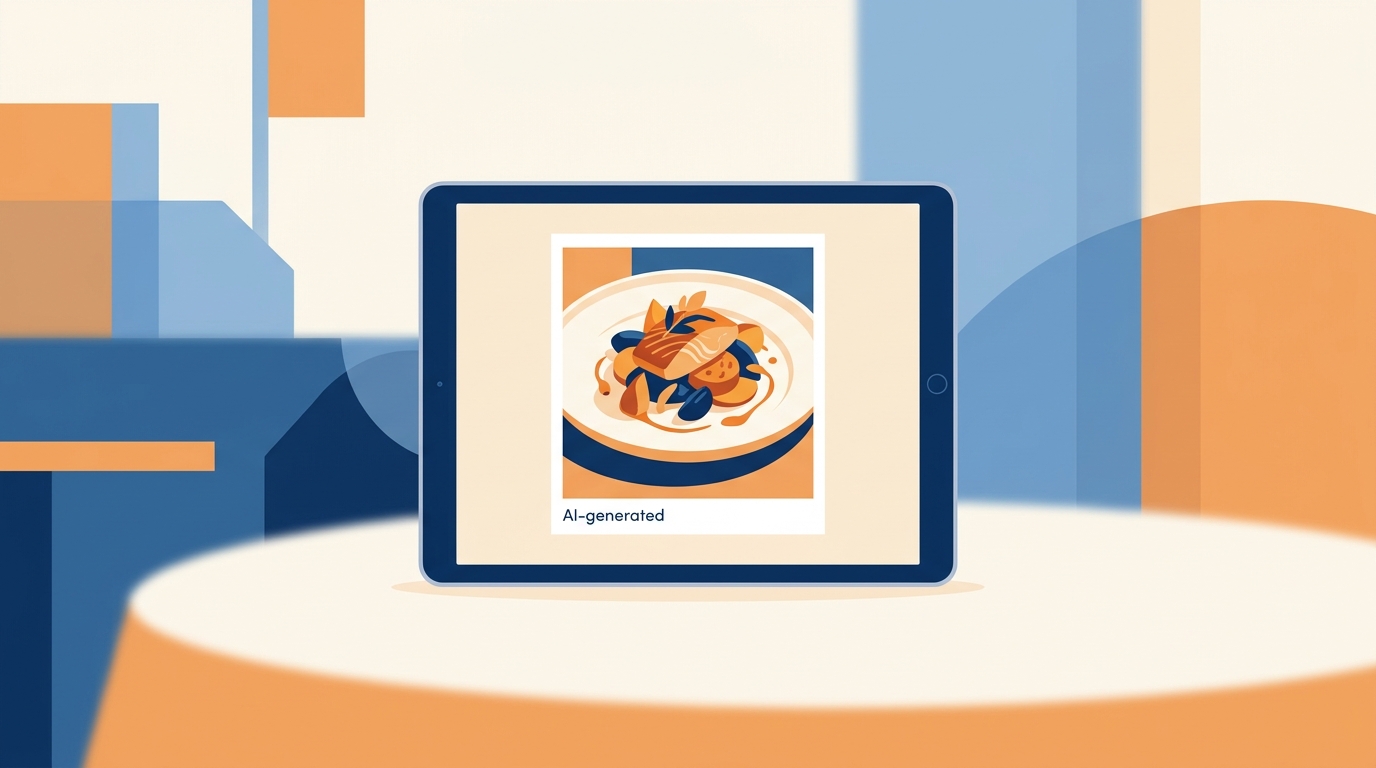
Your menu has AI dish photos. A new EU rule says some of them need a label. Here's which ones, what the label must say, and how to do it without ruining your menu.
Article 50 is live. Most guides confuse what the AI tool must do with what you must do. Here's the practical version — plus a free WordPress plugin.
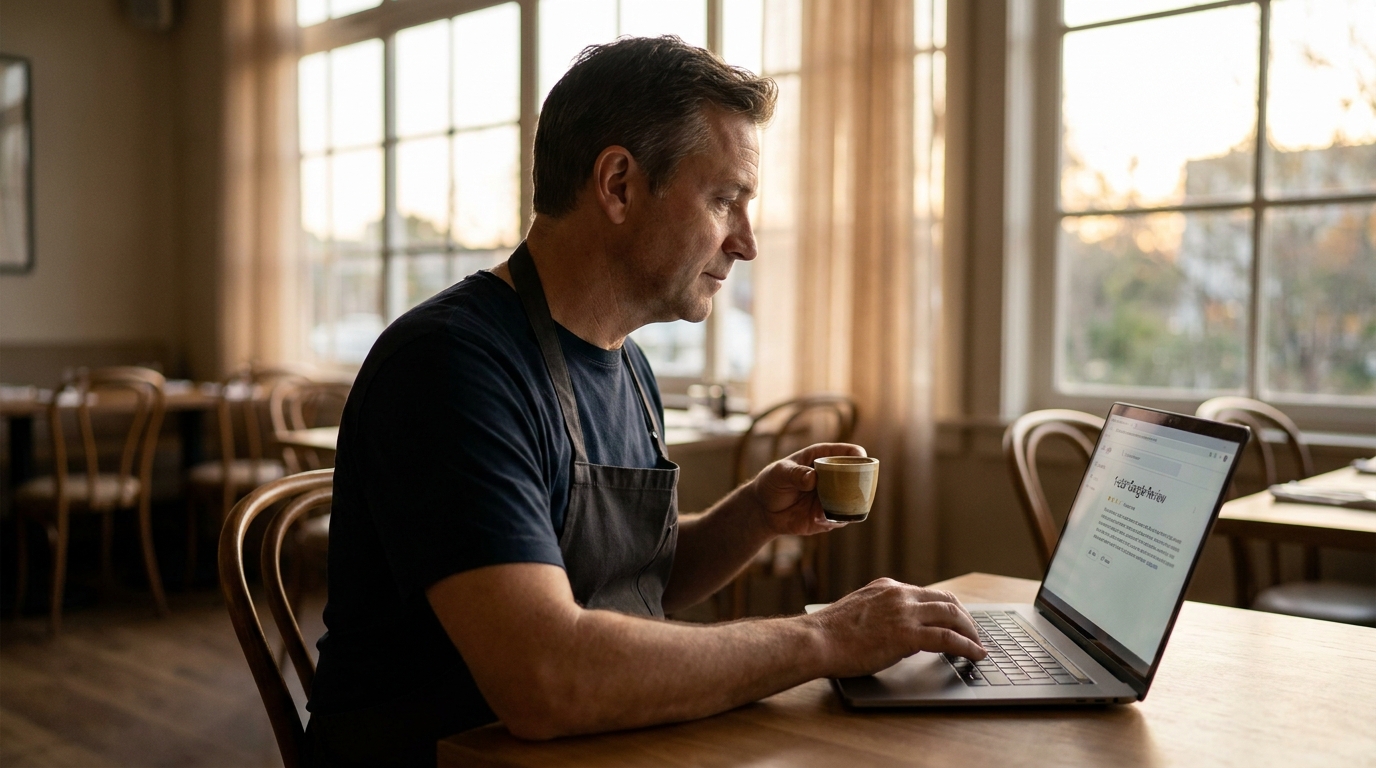
97% of people who read a review also read your reply. That means every negative review is really a stage where the next 200 diners watch how you handle it. Here are 10 templates that win them back.

Your Google Business Profile decides whether a hungry guest two blocks away ever sees you. This 2026 playbook covers the 12 fields that move rankings, the category trick most owners miss, and the menu and order links that keep guests on your own channels.
Running a second location shouldn't mean running a second everything. The whole point of a digital menu is that one account can hold every branch — each with its own prices, currency, and languages — while you manage them from a single login and clone a proven menu to a new opening instead of rebuilding it. Here is how to set up and run multiple branches without the menu becoming a full-time job.
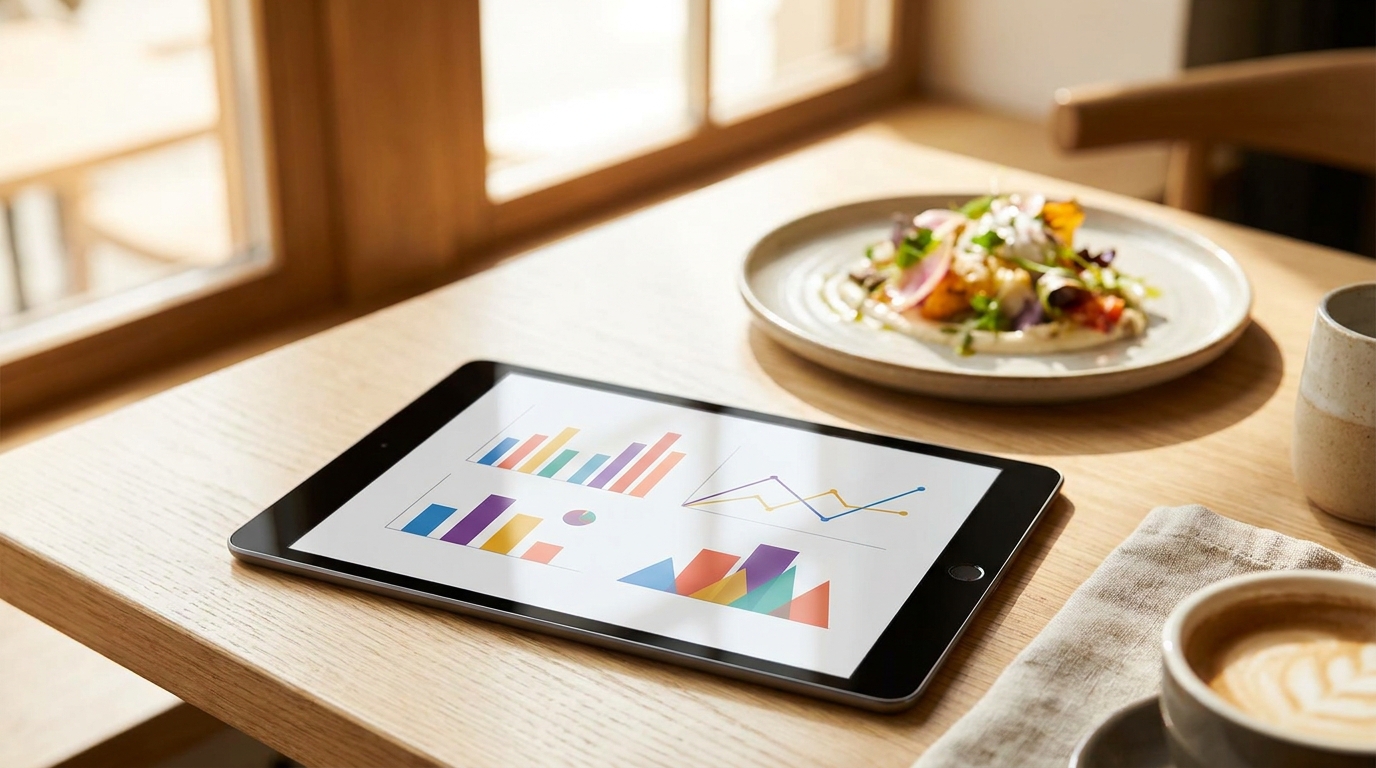
A printed menu never reports back. A live one counts how many guests opened it, which dishes they tapped, and which ones nobody touched all month. What it cannot tell you is what anybody ordered — and knowing exactly where that line falls is what makes the numbers useful instead of misleading.