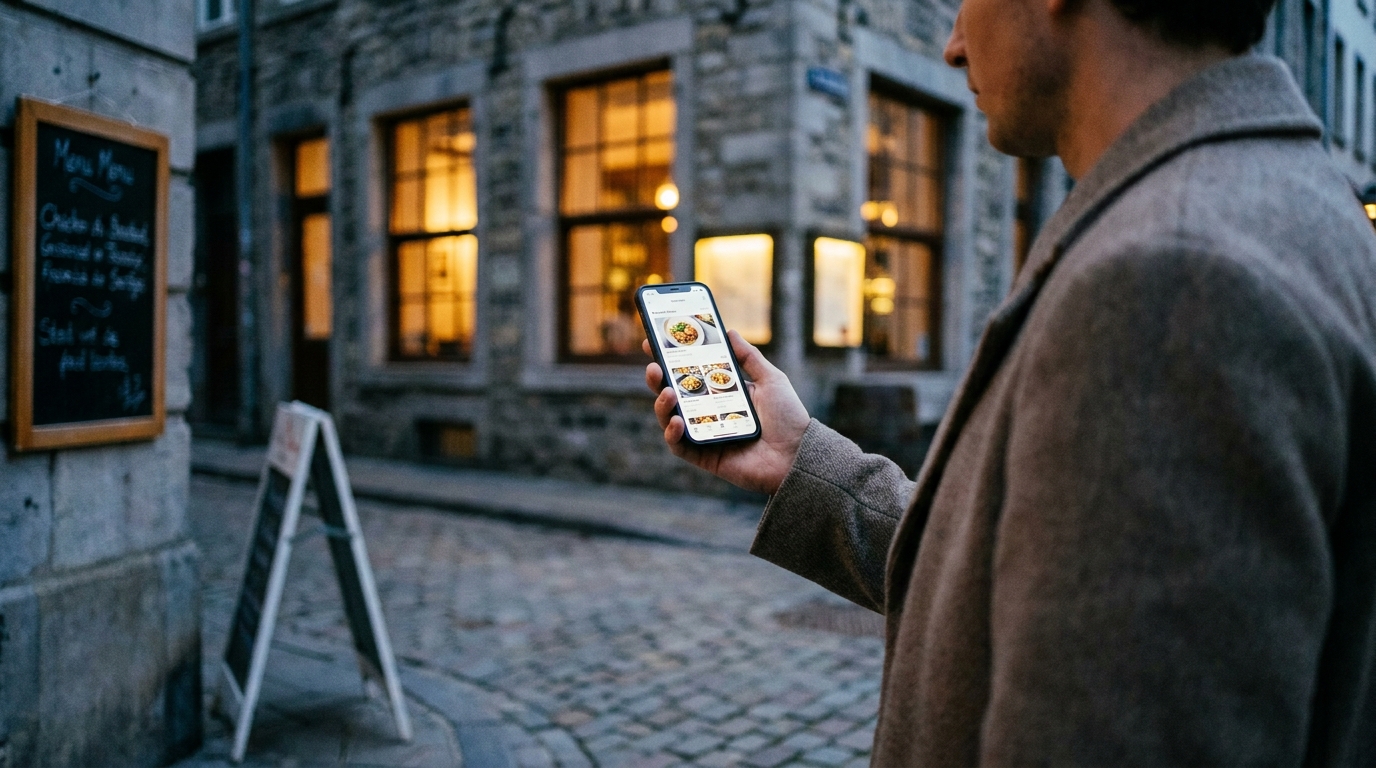
A guest searching for a restaurant menu online on a phone while walking past restaurants on a city street at dusk

Get Your Restaurant Menu Found Online

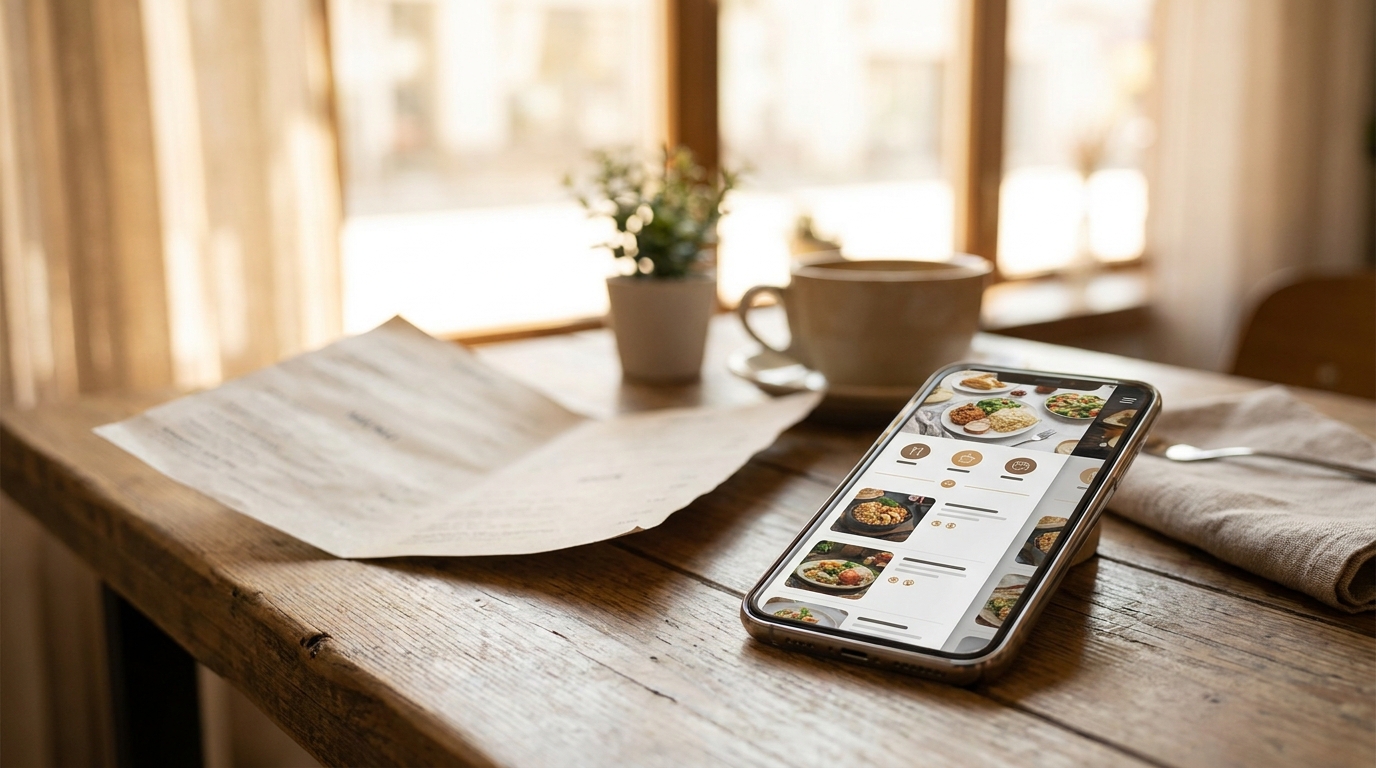
A QR code menu serves the people already sitting in your dining room. The same page, published properly, also works while your dining room is empty — as a real web page search engines can read and as a card in a public directory guests search by dish. Here is how that half of going digital works, and the five conditions you have to meet.
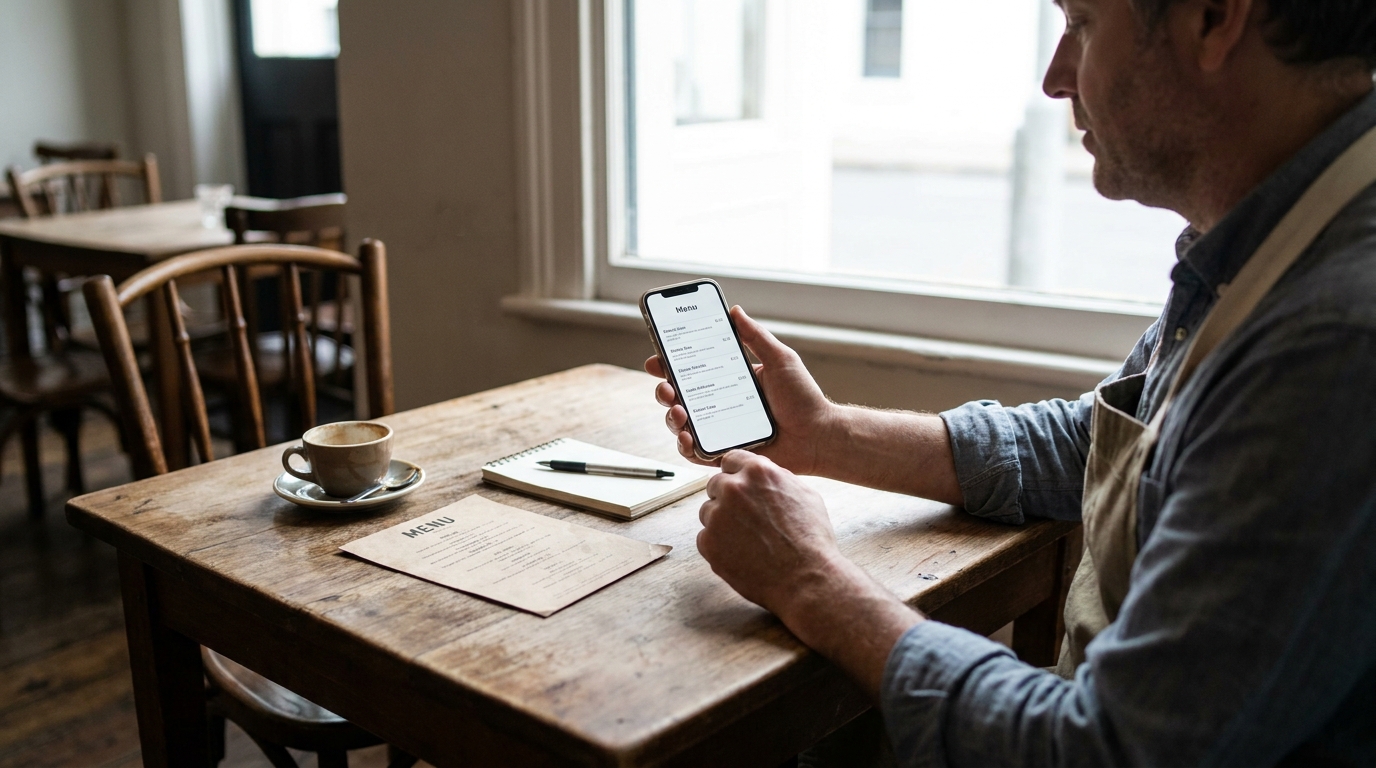
A restaurant owner at a corner table comparing their printed menu card with a digital menu page open on a phone

Someone Listed My Restaurant's Menu. Now What?

You searched your restaurant's name and found a page with your dishes on it that nobody at your restaurant built. That page is a compiled menu, and you have two real options: take it over, or have it taken down. Both are a few minutes of work, and neither one is the default.

AI-generated image

How to Manage Multiple Restaurant Branches

Running a second location shouldn't mean running a second everything. The whole point of a digital menu is that one account can hold every branch — each with its own prices, currency, and languages — while you manage them from a single login and clone a proven menu to a new opening instead of rebuilding it. Here is how to set up and run multiple branches without the menu becoming a full-time job.

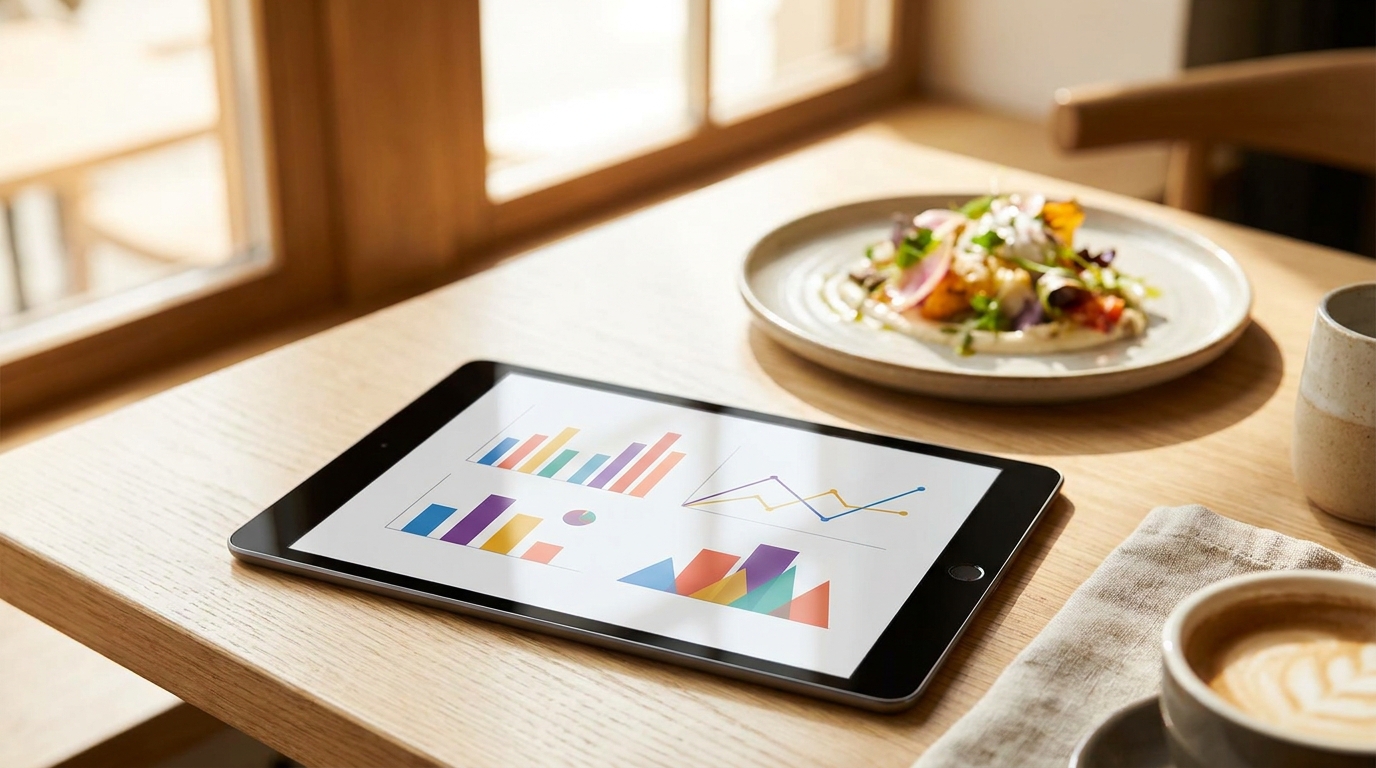
Restaurant owner reviewing digital menu analytics on a tablet beside a printed menu and a POS terminal on a bar counter

How to Use Menu Analytics to Sell More

A printed menu never reports back. A live one counts how many guests opened it, which dishes they tapped, and which ones nobody touched all month. What it cannot tell you is what anybody ordered — and knowing exactly where that line falls is what makes the numbers useful instead of misleading.

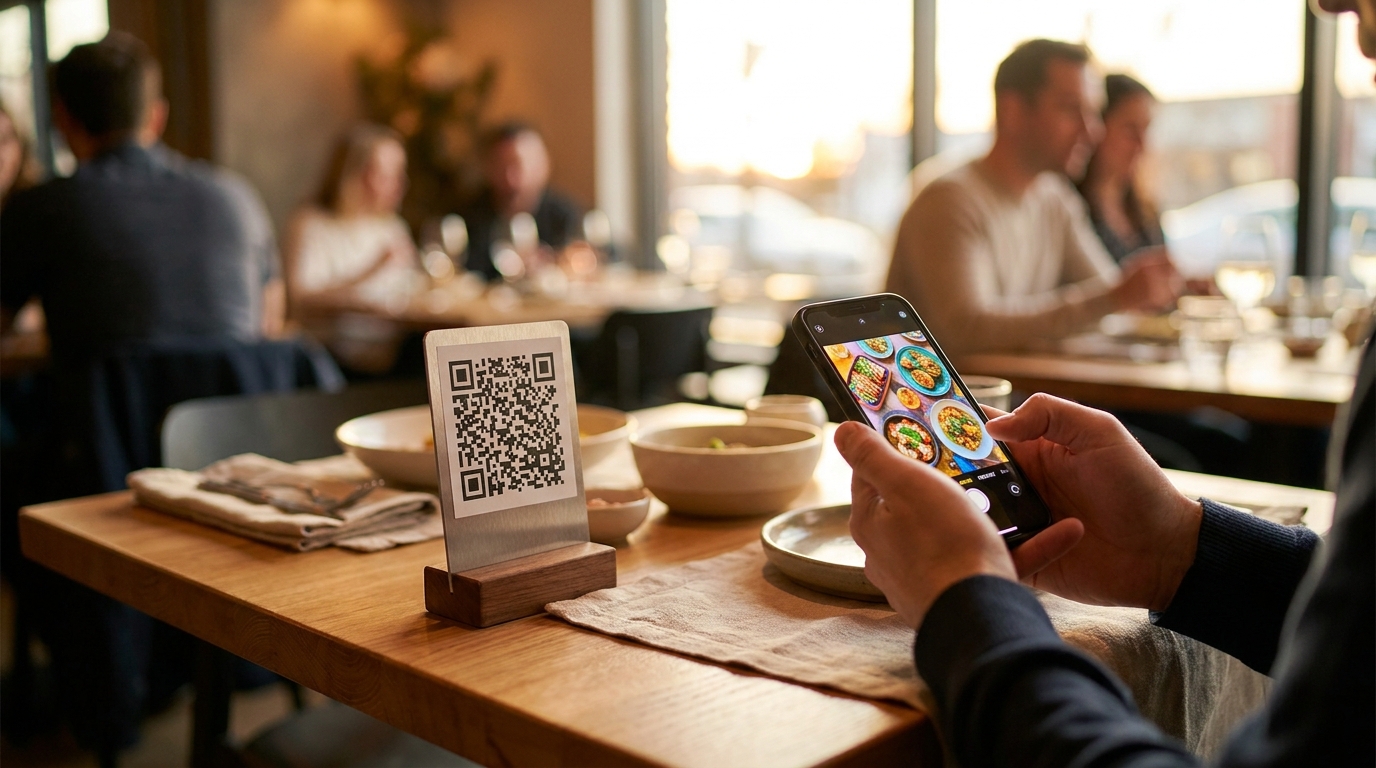
QR code menu table tent on a restaurant table beside a phone showing the restaurant's digital menu

How to Create a QR Code Menu (and Go Live)

A QR code is just a picture of a web address. Everything that goes wrong with QR menus comes from what address is inside the code — and whether that address can still change after you have printed two hundred table tents.

Menu modifiers on a digital menu — a pizza cut into slices beside a phone showing a size choice and a list of extra toppings with prices

How to Add Modifiers & Options to Menu Items

Almost nothing on a menu is one fixed thing. The pizza comes in three sizes, the flat white comes with oat milk, the burger comes with a choice of side. The industry calls these modifiers. Set them up well and your menu gets shorter, clearer and quietly better at selling the extra.

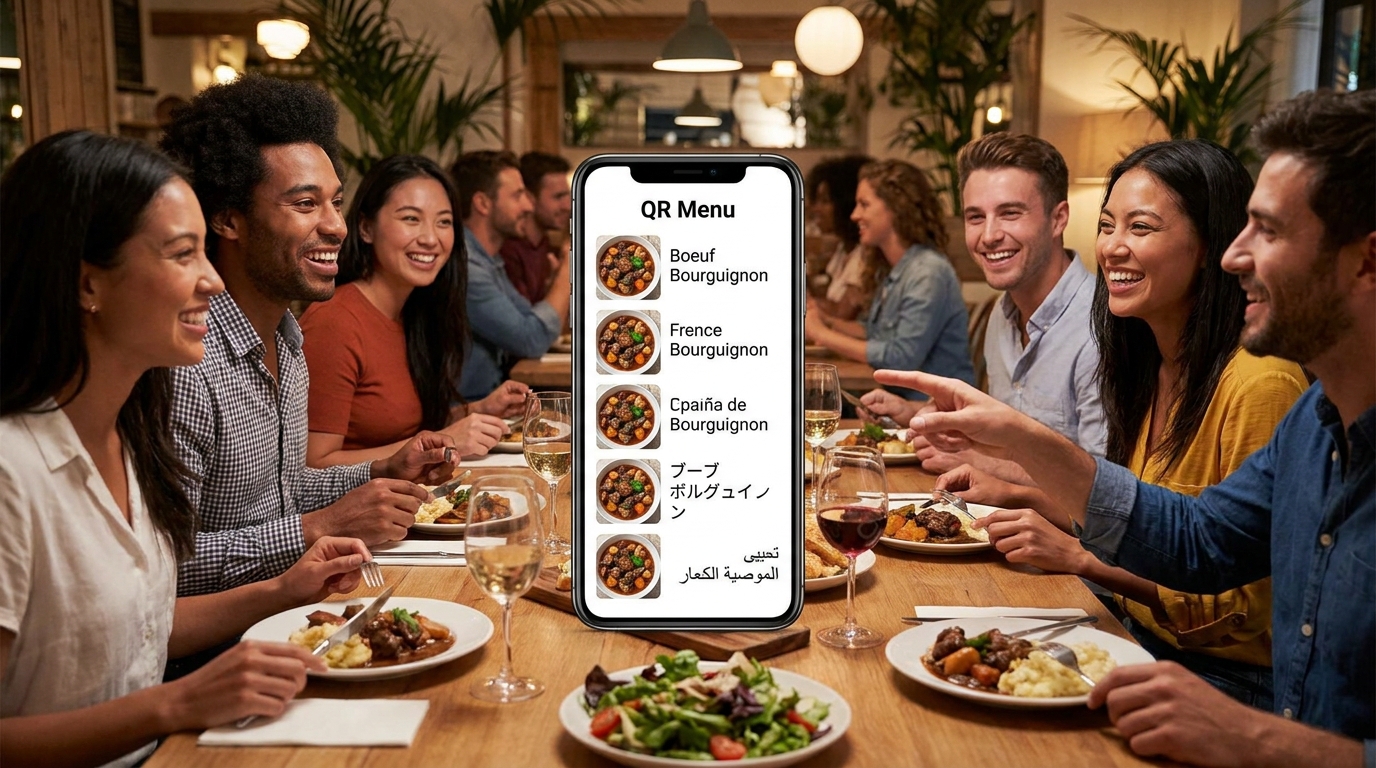
Multilingual restaurant menu on a phone at a café table, showing a language switcher beside a plate of food and a printed QR code card

How to Make a Multilingual Menu (Auto-Translate)

A tourist who can't read your menu orders the one word they recognize. Offering your menu in their language is a short job — but only if you offer a language once it's actually finished, and know which ones are worth finishing.

Restaurant kitchen prep bench with labeled allergen ingredients — flour, eggs, shellfish, celery, mustard and sesame — beside a phone showing a digital menu allergen filter

How to Add Allergens & Dietary Tags to a Menu

The 14 allergens are the easy part — you can learn them in ten minutes. The hard part is what your menu does with a dish nobody has tagged yet, because a filter that quietly lets it through has told a guest something nobody in your kitchen would say out loud.

AI food photo prompts for restaurants — a styled plate of food lit for photography on a restaurant table beside a phone

How to Add Photos to Your Menu (incl. AI Photos)

Most AI food photos fail for one reason — the prompt names a dish and stops there. These thirty do the rest of the work for you: angle, light, surface, props, depth of field and mood. Swap in your dish name and paste.

AI-generated image

How to Write Menu Descriptions That Sell

A dish name tells a guest what something is. A description makes them want it. Most menus waste this — either no description at all, or a vague line that adds nothing. Written well, one specific sentence can move a dish from "skipped" to "ordered," and it reads better in every language you translate into. Here is the formula I use and the words that actually work.

AI-generated image

How to Organize a Menu: Categories & Order

Guests do not read a menu; they scan it. How you group your dishes and what order you put them in decides what they notice, what they skip, and what they order. Organizing a menu is not decoration — it is merchandising, and on a digital menu the rules are slightly different from paper. Here is how to structure yours so the dishes you want to sell are the ones guests see first.

A printed restaurant menu photographed flat on a table next to a phone importing the same dishes into a digital menu

How to Digitize Your Restaurant Menu in Minutes

The real question behind "should we go digital" is always the same one: do I have to retype all of this? No. You photograph what you already print. But it is worth knowing exactly what the import does well, what it hands back to you, and where a spreadsheet is the better tool.