
Get Your Restaurant Menu Found Online
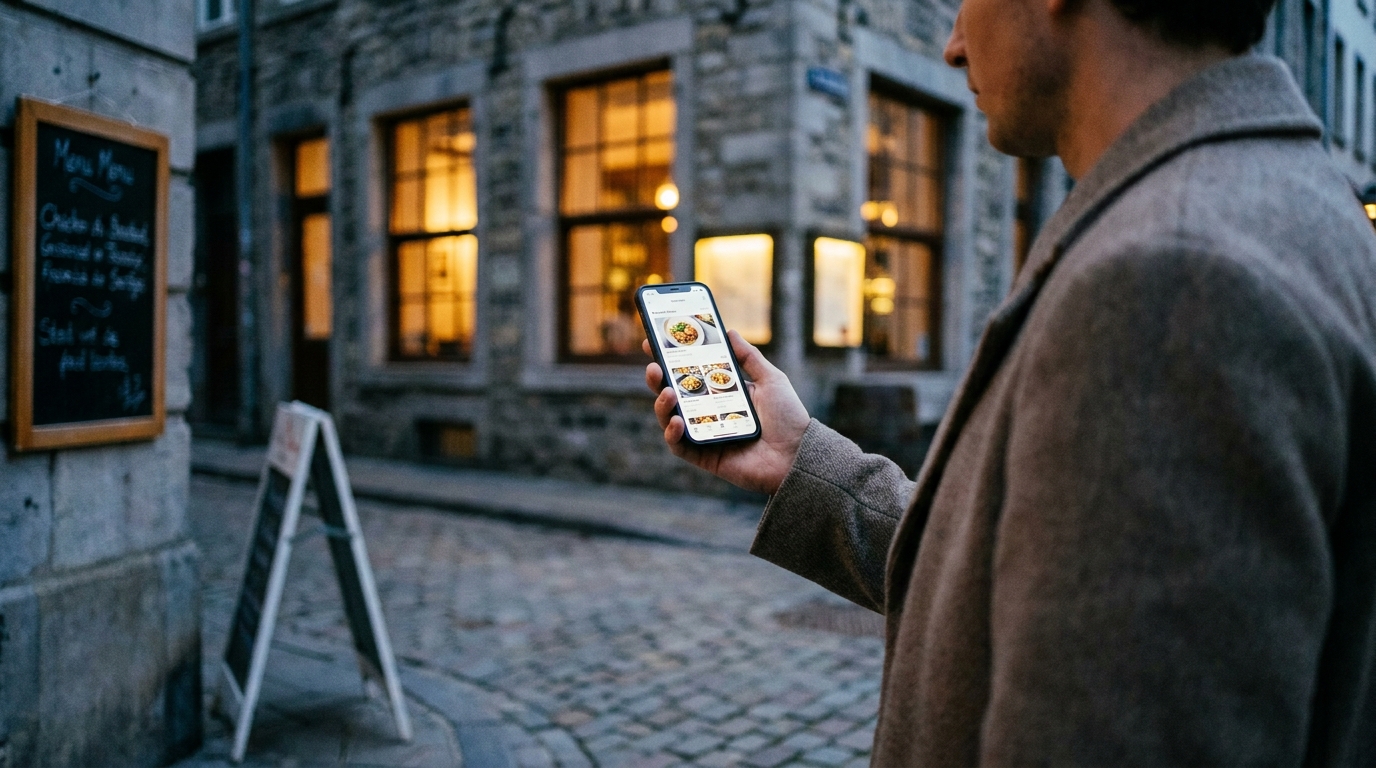
A QR code menu serves the people already sitting in your dining room. The same page, published properly, also works while your dining room is empty — as a real web page search engines can read and as a card in a public directory guests search by dish. Here is how that half of going digital works, and the five conditions you have to meet.
TL;DR — Key Takeaways
A QR menu serves the table; a menu page also brings people to it. Same page, same work, two different jobs.
A PDF menu on your website is invisible. It can't be read as structured content, can't be filtered, and doesn't produce a page per language.
A proper menu page carries structured restaurant data— name, address, sections, dishes and prices — in the format search engines read.
The directory search covers dish names, not just restaurant names. Search "ramen" and you get restaurants with ramen on the menu. Most underrated thing here.
There is nothing to apply for. Set your country, publish a menu with at least three dishes guests can order in visible sections, and you're listed.
Two jobs, one page
Most owners finish the digitizing project at the QR code. The menu is live, the code is on the table, the reprints have stopped.
But everything you built — dish names, descriptions, prices, translations — is sitting on a public web page. A guest at table six reads it because you handed them a code. Nobody else has a reason to find it unless the page is built to be found.
That's the difference between a menu that serves the table and a menu that gets discovered. The first needs a guest who is already yours. The second works on people who have never heard of you, at eleven at night, two blocks away, with a phone in their hand.
If the page doesn't exist yet, start with how to digitize your restaurant menu.
Who finds you where
A guest deciding where to eat passes through several places, each answering a different question. None is a substitute for the others, and nothing here argues for dropping any of them.
Google Business Profile — the map pin. Hours, phone number, photos, reviews, and the blue dot that says you're 400 meters away. It's the single most important local listing you have; if you keep one thing current outside your own four walls, keep that one. What it doesn't do is know what's on your menu.
Your own website — the place you control completely. Your story, your bookings, your events, your hiring. Nobody else sets the rules. The trade is that nobody lands on it by accident.
Review platforms — reputation, not dish discovery. Plenty of guests make the final call on a star average and three recent comments. But a review answers "is this place any good," not "who serves khachapuri."
Delivery apps — a different transaction, a different audience, a commission. Someone opening a delivery app has already decided to eat at home; they're picking a kitchen, not an evening out. You pay a commission per order for that, and the menu there is shaped around packaging and travel time.
Social — discovery by vibe rather than by search. Instagram and TikTok are how people learn a place exists and what it feels like. They're poor at answering a specific question at seven in the evening, and the link in your bio still has to lead somewhere readable.
The Intermenu directory — the one that indexes dishes. Its search covers the dishes on each menu, not only business names — the gap the others leave, and the subject of the rest of this article.
Five of those surfaces know your name and your address. One of them knows what you cook.
Why a PDF menu on your website is invisible
Plenty of restaurants think they've solved this. There's a "Menu" link in the navigation and it opens a PDF. That's a file, not a page, and it fails at every job that matters here.
It's one file rather than structured content. Your dishes and prices are text runs inside a document, not data. Nothing in the file says "this is a restaurant, this is its address, this item costs €12.50." A menu page carries those same facts as labeled data.
It can't be filtered. Nobody can hide the dishes containing milk or narrow it to the vegetarian options. It's take-it-or-leave-it, pinch-zoomed. On a menu page every dish carries its own allergen and diet tags, so a guest hides what they need to and the list redraws immediately.
It doesn't produce a page per language. Commission a second PDF in German and it's another file at another address, with no relationship to the first that anything can understand. A translated menu gets a real page per language, each announced as its own.
It pinch-zooms badly on a phone. Laid out for a sheet of paper, it arrives on a six-inch screen at a fraction of its intended size. The guest pinches, drags and gives up. A menu page is built for a phone: rows you scroll, a search box, section buttons.
It goes stale the moment a price changes. Nobody re-exports a PDF for a fifty-cent change, so the file slowly stops matching the kitchen. A price edited on a menu page is live on the guest's next load.
The structured data a real menu page carries
Every live menu on Intermenu carries structured restaurant data in the standard format search engines read: the restaurant's name, its address, its menu sections, its dishes and their prices.
That's the difference between a search engine seeing a wall of words and seeing a restaurant with a menu on it. Search engines want exactly this: labeled, machine-readable facts about a real business, rather than guesses inferred from page text.
You do nothing to produce it. You fill in the profile and build the menu; the page carries the data because the data exists. Which is why the boring parts of setup pay off: a dish with a price and a section is a fact on your page. A dish with a blank price sitting outside a section is not.
One page per language
Here's where the translation work you did for your tourist guests pays a second time.
When your menu is well translated into two or more languages, each language gets its own page, announced as its own page. Not one page with a toggle — separate addresses that can be indexed separately, so a guest searching in German can land on the German menu.
The threshold is the same one that governs the language switcher guests see: a language is only announced once at least half its dishes are translated. Your main language is always there. A language at 20% isn't offered to guests and isn't announced as a page either, because half an English menu pretending to be a German one helps nobody.
That rule ties the guest experience and the indexing together, which is the right way around. Push a translation past halfway and both switch on at once. Full detail: a multilingual menu your tourist guests can read.
One clean address
A menu page has variations. A guest filters to vegan. You send a campaign link with a tag on it. Someone arrives on the Italian version. Left alone that's five URLs of near-identical content, and your visibility splits across the copies.
So it isn't left alone: filtered views and campaign links point search engines back to the menu's main address— or to the language version being read, when that's the page that matters.
Practical consequence: tag your Instagram link, your flyer link and your partner link however you like without competing against yourself. Those tags still show up in your own insights under where guests came from — QR scan, direct link, another website, or a tagged campaign link — while search engines keep seeing one menu. Live menus are also included in Intermenu's sitemap.
The public directory
The second surface is a directory, and it serves guests who are browsing rather than searching for you by name. It lives at the public restaurant directory.
The front page tells you how many restaurants, countries and dishes are listed, and shows a map-style overview of the43 countries covered, grouped into four regions and shaded by how many menus each has, plus a list of every country with menus.
From there it drills down. Country pages sit at addresses like intermenu.io/en/restaurants/germany, and every city has its own page too, listing24 restaurants at a time. Different spellings of the same city are brought together, so "München" and "Muenchen" don't become two half-empty city pages.
What a directory card shows
Each restaurant appears as a card that's closer to a menu preview than a business listing:
Name, city and dish count— how big the menu actually is, up front.
A few dish names— the fastest signal of what kind of place this is. "Tonkotsu ramen · Gyoza · Karaage" says more than a cuisine tag.
The address and a "Directions" link when a street or postcode is known.
A badge when Intermenu compiled the menu rather than the restaurant maintaining it.
That last badge matters if you ever find a page for your own restaurant that you didn't create. There's a process to take it over: what to do when someone has listed your restaurant's menu.
What a good directory card looks like
Two restaurants of the same size, two very different cards.
The weak one. In the worst case there's no card at all: the country field in the profile is empty — condition three below, the one owners miss. Say the country is set. The card then reads "Trattoria Luce · Munich · 3 dishes," because only three dishes clear the threshold and the rest sit in a hidden section. The names showing are "Pizza," "Pasta" and "Dessert." There's no street address in the profile, so no "Directions" link. And the menu exists in Italian only, so the card never appears when a guest filters for English or German.
The strong one."Trattoria Luce · Munich · 52 dishes," with "Ossobuco alla milanese · Cacio e pepe · Tiramisù" underneath. Full street address and postcode, so the card carries a "Directions" link. The menu is translated past halfway into German and English, so it turns up under both language filters, with its own indexed page in each.
Nothing in the second card cost money. It's the profile filled in and the menu finished.
The search covers dish names
This is the part I'd underline twice.
Directory search covers restaurant names, cities and the dishes on each menu. Someone searching "ramen" finds restaurants with ramen on the menu, not only restaurants with "ramen" in their name. Matches rank by name first, then city, then dish.
Think about how people actually decide where to eat. Rarely with a restaurant name — usually with a craving or a dish somebody mentioned. "Ramen." "Khachapuri." A directory that indexes only business names can't answer either.
So your menu detail isn't just table service anymore. Every dish you named properly — "slow-braised lamb shoulder" rather than "lamb main" — is a way in. It's the best argument I know for finishing the dish descriptions you keep meaning to finish.
The menu-language filter
Menu language buttons narrow the list to restaurants whose menu can actually be read in that language. Same rule as everywhere else: written in it, or at least half the dishes translated into it. A guest filtering for Turkish gets menus they can read end to end, not a Turkish flag with English dishes underneath.
The link made for print and ads
One more address worth writing down: intermenu.io/en/restaurants/nearby.
It's a single link made for print, posters and ads — the kind you put on a flyer without it going stale. It takes the guest to menus in their own country, worked out from the device's time zone. If the country can't be told confidently, it lists every country with menus.
The same signal powers a banner on the directory: when a device clock clearly belongs to a listed country, the page offers that country's menus. It only offers. The page never redirects, and the banner is dismissible with "Not my country." No location permission is requested — it's the clock, not GPS.
Write dish names people actually search for
Two searches read your menu, and they read different fields.
The directory search covers dish names. Someone typing "poke bowl" is matched against what your dishes are called.
The search inside your own menu covers more— dish names, descriptions and option names. Type "oat milk" there and it finds the coffee offering it as an extra.
So "The Gardener's Bowl" is invisible to a guest hunting for a poke bowl, and "House Special" is invisible to everybody.
The fix isn't to flatten your menu into "Chicken Dish 1" — those names are part of why people remember you. Keep the name and carry the plain word alongside it: in the name for the directory search, in the description for the in-menu one.
"The Gardener's Bowl" becomes "The Gardener's Bowl — poke bowl."Description: "Marinated tofu, edamame, pickled ginger and sesame dressing on sushi rice."
"Nonna's Sunday" becomes "Nonna's Sunday lasagne."Description: "Beef and pork ragù layered with béchamel, baked to order." Somebody craving lasagne finds you; somebody reading the menu still gets the story.
"Smoke & Embers" becomes "Smoke & Embers brisket plate."
"House Special" becomes whatever it is. A placeholder isn't a name.
Same rule a level down, inside your choices and extras: call an option "Oat milk," not "Alt milk 2."
The five conditions for being listed
A restaurant appears when all five are true. Read it as a checklist:
1. Your menu is published and online. A draft doesn't count.
2. At least three dishes guests can order, in visible sections. Hidden sections don't count toward the three.
3. Your country is set, and it's one of the 43 the directory covers. This is the one owners miss — it lives in the restaurant profile.
4. No removal request is waiting for a decision. While one is pending, the restaurant isn't listed.
5. If Intermenu compiled the menu and nobody has claimed it, it was compiled within the last 12 months. After that it asks search engines not to index it and leaves the directory. Claiming it resets that — the page becomes your own.
There is nothing to apply for. No form, no review queue, no featured listing to buy.
Two tips from our platform guide, both cheap:
Fill in the full street address and postcode. That's what earns your card a "Directions" link; a city alone doesn't.
Translate the menu. Every language past halfway surfaces you under another language filter and gets you another indexed page.
The profile fields that change what a guest sees
The five conditions get you listed. These fields decide how much the listing is worth once you are — all in the restaurant profile, all free.
Full street address and postcode. This is what earns your card a "Directions" link. A city on its own doesn't, and the guest who liked your card has to go hunting for you elsewhere.
The cover image. It sits at the top of your menu, and it's also the preview picture when your link is shared in a chat — without one, the link lands in a group chat as a bare address nobody taps. Brand & Contact tab, up to 8 MB.
Weekly opening hours. They drive the live open/closed badge in the menu header — "Open · closes 22:00," "Opens 09:00," "Closed." It handles hours running past midnight and refreshes while the page is open, so a guest deciding at 21:40 gets an answer without calling you.
Cuisine types. Up to five — your kind of cooking recorded as a field, not buried in prose.
The restaurant description. It shows in the Details panel beside your address, phone, website and social links — 280 characters in the setup wizard, about the right length anyway.
Country and menu currency. The country is condition three. The currency stops your prices reading as the wrong money.
What this is not
This is not a replacement for your Google Business Profile. That's where your hours, phone number, photos and map pin live, and it's still the first thing most local searches surface.
It's not a replacement for your own website either. Your site carries your story, your bookings, your events and your brand. A menu page is one page.
And it's not a replacement for review platforms, where a lot of people make the final call. Nothing here collects or shows reviews.
What it is: an additional surface, produced automatically by work you were doing anyway. The dish-level search is the part the others don't do — none of them let a guest search "khachapuri" and get back the places nearby that serve it.
What this won't do
Being listed is not a ranking strategy. A card in a directory won't fill a quiet Tuesday on its own, won't outrank an established competitor's local listing, and there's no number I can honestly attach to it.
It's one more door and it costs nothing. Doors only work when there's something behind them — a card with three dishes, no street address and one language is a door nobody walks through.
Get your menu found with Intermenu
Intermenu publishes your menu as a real web page: structured restaurant data search engines can read, a separate page for every language you've translated past halfway, one clean address instead of a dozen near-copies, inclusion in the sitemap, and a card in the public directory across 43 countries where guests search by dish.
If your menu is still only a code on the table, see how QR code menus work for restaurants— then go set your country. One location, 40 dishes and two languages are free, with no card and no time limit; compare the plans when you outgrow it.
Publish your menu free with Intermenu →
Frequently Asked Questions
How do I get my restaurant menu listed online?
Publish a menu with at least three dishes guests can order in visible sections, and set your country in the restaurant profile to one of the 43 the directory covers. There's no application — the listing follows automatically.
Why isn't my restaurant showing in the directory?
Run the five conditions in order. The usual culprit is an empty country field, followed by fewer than three orderable dishes or dishes sitting in hidden sections. A pending removal request also keeps a restaurant out.
Is a PDF menu on my website good enough for search?
No. A PDF can't be read as structured content, can't be filtered by guests, and doesn't produce a separate page per language. It's a file people download, not a page that gets found.
Do I get a separate page for each language?
Yes, once at least half a language's dishes are translated. Below that threshold the language isn't offered to guests or announced as its own page.
Can guests search the directory by dish?
Yes, and it's the most useful thing in it. Search covers restaurant names, cities and the dishes on each menu. Matches rank by name, then city, then dish.
Does the directory ask guests for their location?
No. The country suggestion comes from the device's time zone, and it only offers — the page never redirects, and the banner is dismissible.
Should I rename my signature dishes so guests can find them?
No. Keep the name and carry the recognizable word with it — "The Gardener's Bowl — poke bowl," with the plain ingredients in the description. The directory search reads dish names; the search inside your own menu also reads descriptions and option names.
Is this the same as being on a delivery app?
No. A delivery app is a different transaction with a different guest, and you pay a commission per order. A directory card points someone at your menu and then at your dining room.
Does this replace my Google Business Profile?
No. Keep your Google Business Profile, your website and your review profiles current. This is an extra surface, and the dish-level search is the part the others don't offer.