
Master Allergen Tagging on Your Restaurant Menu Today
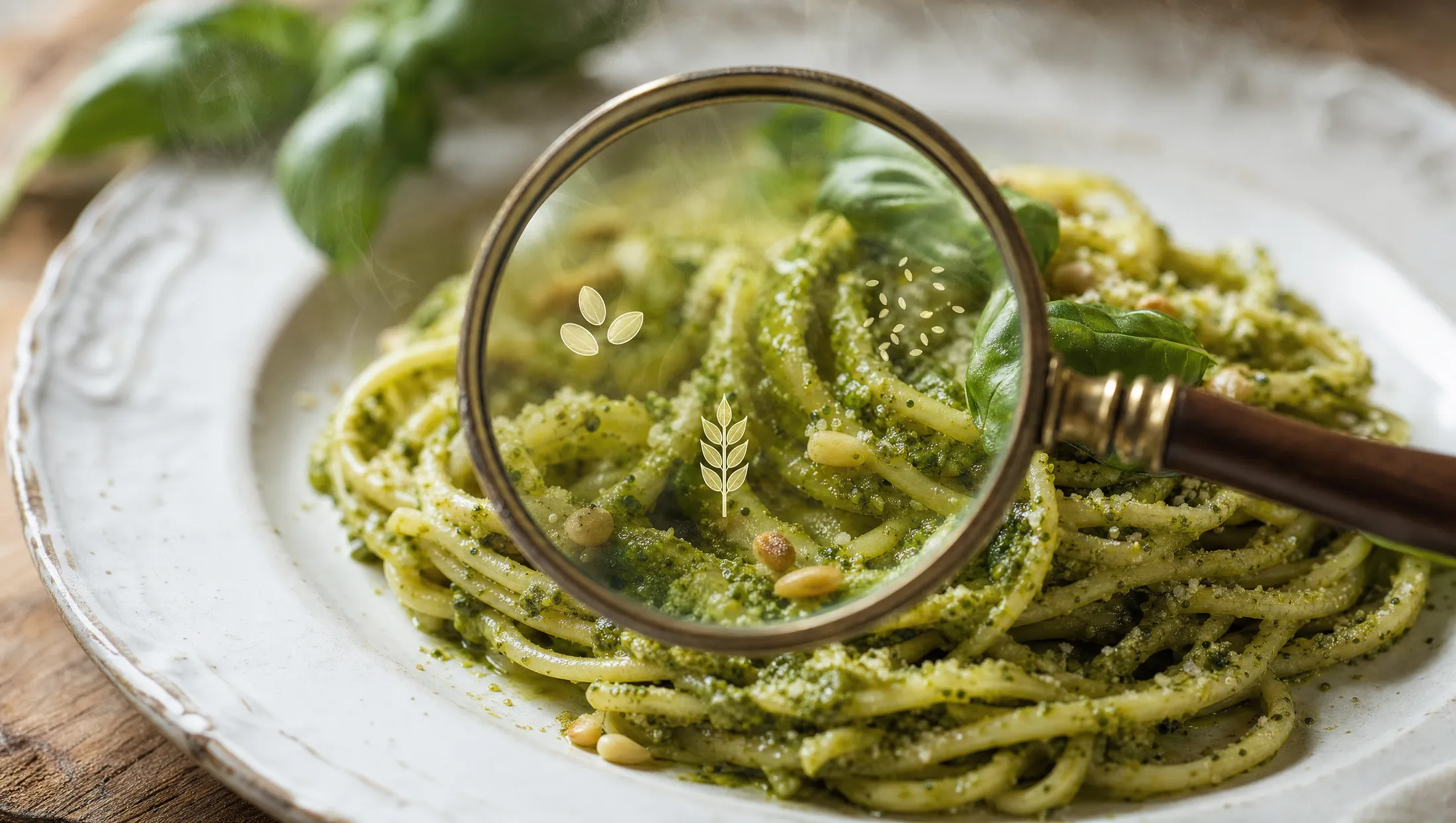
Should allergens be icons or text or both?
TL;DR — Key Takeaways
The right way to tag allergens on a multilingual menu isstructured data per dish + standardized icons + locally accepted words— never as translatable prose.
Allergens should appear on every dish, with both an icon (for quick visual scanning) and the local-language word (for legal compliance and clarity).
A guest-facingallergen filterthat lets diners hide unsafe dishes is the highest-leverage UX improvement in 2026 — it replaces 80% of "is this safe for me?" server interactions.
Allergen icons are not universally interpreted across cultures. Standardize the icon set and pair with words to avoid ambiguity.
Modern menu platforms (Intermenu among them) build allergen tagging directly into the dish-creation flow — every translation, every QR scan, every printed reference inherits the disclosure consistently.
Should allergens be icons or text or both?
Both. Always.
Icons enable fast visual scanning, which matters most for guests with multiple allergies who are trying to filter a menu quickly. Words satisfy legal disclosure requirements and remove icon ambiguity for guests unfamiliar with the local convention.
The 2026 standard for allergen display on a digital menu:
A small icon row beneath each dish, showing the allergens present
The word equivalent visible on hover, click, or in the expanded dish detail
Both translated/localized to the menu's selected language
For printed menus, the equivalent is icon + abbreviated word ("G" for gluten, "L" for lactose, etc.) per dish, with a key on the menu's reverse or footer.
What not to do:allergen text written into the dish description prose ("contains nuts and dairy"). This is the most common compliance and translation failure pattern, and it's almost always worse than the structured icon+word approach.
How do I show allergens on a menu without making it ugly?
Restaurant operators worry that allergen disclosure clutters the menu. In practice, well-designed allergen tagging is invisible to guests who don't need it and immediately useful to guests who do.
Five design principles:
1. Smaller and lower than the price.Allergen icons should be visible but secondary to the dish description. Sizing them at 60-70% of the price font size, positioned in a row beneath the description, satisfies both visibility and unobtrusive design.
2. Consistent icon set.Use the same icon for the same allergen everywhere on the menu. A wheat icon in one place and the word "gluten" in another creates inconsistency that hurts readability.
3. Color-coded categories.Some platforms use color (red for top-priority allergens like nuts and shellfish, amber for common allergens like dairy and eggs, neutral for others). Use this sparingly — too much color crowds the menu.
4. Hide-on-scan-success.A guest filtering for "no shellfish" doesn't need to see shellfish icons on hidden dishes. Modern QR menus dynamically simplify the display when filters are active.
5. Optional expand-to-detail.A small "i" icon next to allergen tags lets curious guests see exactly what's contained ("contains: tree nuts — pine nuts; may contain: gluten — fryer cross-contamination"). Visible only on intentional click.
Restaurants that get the design right report that allergen disclosure becomes apositivefeature for guests — a signal that the kitchen takes safety seriously.
Where on the menu page should allergens appear?
For digital menus, the right answer isdirectly beneath the dish description, before the price.
The reading flow:
Guest sees dish name (Italian/French/whatever original)
Guest reads description
Guest scans allergen icons (subconscious if no relevant allergies; conscious filter if so)
Guest sees price
Guest decides whether to order
Putting allergens after the price interrupts the decision flow. Putting them before the description forces the guest to process them before knowing what the dish is. Beneath the description, before the price is the optimal placement.
For printed menus, the same logic applies — abbreviated allergen codes immediately after the description, before the price column.
How do I let guests filter by allergen?
Allergen filtering is one of the highest-leverage features in modern QR menus, and it's straightforward to set up if your menu data is structured correctly.
The setup:
Every dish tagged with structured allergen data (the EU 14 framework as a baseline).
The QR menu UI exposes a filter chip set at the top of the menu: "Hide gluten | Hide dairy | Hide nuts | Hide shellfish | Hide eggs..."
When the guest taps a chip, dishes containing that allergen disappear from view.
Multiple chips combine — "Hide gluten + Hide dairy" hides any dish containing either.
A "show all" reset chip restores the full menu.
The user experience:
A guest with a tree-nut allergy taps "Hide nuts" once at the start of their meal. Every dish on the menu that contains nuts disappears. They browse only safe options. No need to ask the server. No anxiety about hidden ingredients.
The business impact:
Allergic guests order more confidently and spend more.
Server time previously spent on "is this safe?" conversations shifts to other hospitality work.
Allergic guests are more likely to recommend the restaurant to friends — the safe-dining experience is uncommon and memorable.
The compliance impact:
Filtering doesn't replace per-dish disclosure (each dish still shows its allergen icons), but it dramatically reduces the friction of finding safe options.
Documentation: the platform logs filter usage anonymously, giving you data on which allergens are most-filtered (often surprising).
Intermenubuilds allergen filtering directly into the QR menu by default. Once allergens are tagged on dishes, the guest-side filter is automatic.
Are allergen icons universally understood across cultures?
Mostly yes, with important exceptions.
Icons that translate well across cultures:
Wheat (gluten) — universally recognized as a wheat stalk or a slice of bread
Milk (dairy) — usually a milk carton or droplet
Egg — universally recognized
Fish — universally recognized
Peanut — recognized in most cultures, especially in 2026 with global allergen-icon standardization
Tree nut — generally a hazelnut or almond image
Shellfish — recognized as a shrimp or crab
Icons that don't translate well:
Sesame — sometimes confused with poppy seeds or "small seeds" generally
Soy — bean icons can mean different beans (kidney, broad, soy) in different cultures
Mustard — the icon (often a yellow circle) is ambiguous outside Western contexts
Celery — visually similar to herbs in some cultural contexts
Sulphites — almost no universally-recognized icon; use the word
Practical rule:for the 7 most universally-recognized allergens, icons alone work; for the other 7 of the EU 14, pair the icon with the local-language word.
Modern hospitality platforms include a default icon set that's been tested across cultures. Using a custom icon set introduces risk and rarely improves clarity.
A note on dietary markers vs allergens
Allergens are a legal disclosure category.Dietary markers(vegetarian, vegan, halal, kosher, gluten-free, low-FODMAP) are a customer-preference category. They overlap but they're not the same.
The right setup:
Allergens tagged as one structured field, displayed as icons + words
Dietary markers tagged as a separate structured field, displayed as a separate icon set
Why the separation matters:
A vegetarian guest filtering for "vegetarian" expects only intentionally-vegetarian dishes, not dishes that happen to lack meat allergens
A halal-observant guest filtering for "halal" expects certified or kitchen-verified halal preparation, not just absence of pork
A celiac guest filtering for "no gluten" needs both the gluten allergen taganda "celiac-safe" dietary marker (because cross-contamination matters)
Structured separately, both filters work cleanly. Conflated together, neither filter is reliable.
A common mistake: the "vegetarian" mistranslation
A real-world example. A restaurant's English menu marks dishes "(V)" for vegetarian. The translation engine renders "(V)" the same way in every language version, on the assumption that operators want consistent abbreviation.
The problem:"(V)" is universally understood in English as vegetarian. In other languages it can mean nothing, mean "vegan," or even (in some Romance languages) be confused with "voyageur" or other V-words.
The fix:treat dietary markers as structured tags, not abbreviated text. The platform renders them as standardized local icons or local-language words automatically. "(V)" in English becomes "(V)" plus a vegetarian icon, "(VEG)" plus icon in German, "Vegetariano" plus icon in Italian, "végétarien" plus icon in French.
This pattern recurs across allergens too. Treating allergens and dietary markers as structured data, never as abbreviated prose, eliminates the translation drift that produces these failures.
Frequently Asked Questions
Should allergens be icons or text or both?Both. Icons for fast visual scanning, words for legal compliance and clarity. Modern platforms render both automatically when allergens are tagged as structured data.
How do I show allergens on a menu without making it ugly?Smaller than the price, beneath the description, consistent icon set, optional expand-to-detail for curious guests. Well-designed allergen tagging is invisible to guests who don't need it.
Where on the menu page should allergens appear?Directly beneath the dish description, before the price. This matches the natural decision flow.
How do I let guests filter by allergen?Tag allergens as structured data on every dish, expose a filter chip set in the QR menu UI. Guests tap the allergens to hide and the menu re-renders showing only safe dishes.
Are allergen icons universally understood across cultures?The 7 most common allergens (gluten, dairy, eggs, fish, peanuts, tree nuts, shellfish) are universally recognized. The other 7 of the EU 14 (sesame, soy, mustard, celery, sulphites, lupin, molluscs) need icon + word pairing for clarity.
Let Guests Filter Your Menu by Their Allergens
Manual allergen disclosure across a multilingual menu is brittle. Structured allergen tagging — paired with a guest-side filter — is robust, accessible, and translates without drift.
Intermenubuilds the allergen filter into the QR menu by default. Tag once, render in every language, let guests find their safe options without flagging a server.
See what allergen filtering looks like on your menu →