
How to Translate Your Restaurant Menu to 15 Languages
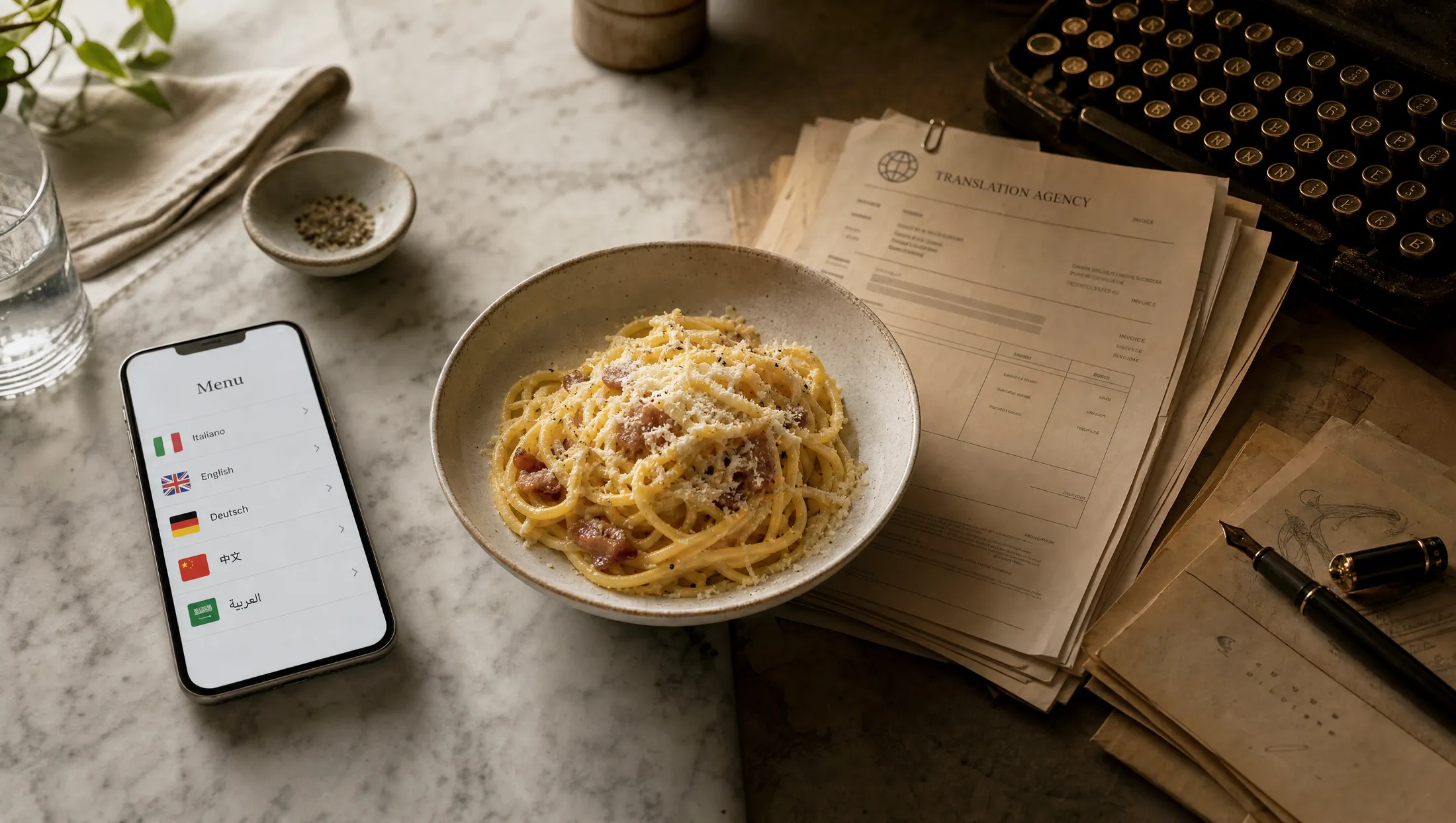
Five years ago, translating a menu into 15 languages was a six-week project. You'd send a PDF to an agency, wait two weeks for the first language, three more weeks for the rest, and another week for proofreading. The cost was $3,000–$6,000 and the result was static — the moment you changed a dish, the whole cycle started again. Hospitality-specific platforms (Intermenu is one example) collapse the same workflow into a single afternoon.
TL;DR — Key Takeaways
A 50-item menu can be translated into all 15 supported languages in under 60 minutes using a hospitality-trained AI translation engine, plus a 30-minute native-speaker review of the top 20 dishes.
The bottleneck is almost never translation — it's getting your master menu structured properly before you start. Spend the first 20 minutes preparing the source.
Translate the description, localize the explanation, never translate the dish name itself.
Allergens must be tagged as structured data, not as translatable prose, or you'll have inconsistent disclosure across languages.
Once your master menu is set up, future menu changes propagate to every language version in seconds — there's no per-update labour.
Why "under an hour" is now realistic
Five years ago, translating a menu into 15 languages was a six-week project. You'd send a PDF to an agency, wait two weeks for the first language, three more weeks for the rest, and another week for proofreading. The cost was $3,000–$6,000 and the result was static — the moment you changed a dish, the whole cycle started again. Hospitality-specific platforms (Intermenu is one example) collapse the same workflow into a single afternoon.
In 2026, the same job takes under an hour. The change is not that AI got faster (it always was). The change is that hospitality-trained AI got accurate enough that the human-review step shrunk from "every dish, every language" to "top 20 dishes, every language" — which is roughly 10 minutes of native-speaker time per language. And translations now travel with structured menu data, so a chef changing a dish doesn't trigger a translation refresh — the system handles it automatically.
This article walks you through the actual workflow, step by step, so you can have a 15-language menu live before lunch service.
Step 1 — Prepare your master menu (20 minutes)
This is where every multilingual menu project succeeds or fails. The translation engine is only as good as the source you feed it.
Open your menu in whatever editor you're using — a digital menu builder, a spreadsheet, or just a clean text document. For each dish, you need five fields:
Dish name— in the original language, with proper accents and characters. Branzino al sale, not "Branzino al Sale" or "branzino al sale." Get the casing right.
Description— one to three sentences in the original language. Avoid jargon, be specific about ingredients, and use complete sentences. The AI translates better when the source is well-written.
Ingredients (structured)— a list of ingredients, separated as data. Don't write "tomato, basil, mozzarella" inside the description; write a separate ingredient list. This lets the AI translate ingredient names consistently.
Allergens (structured tags)— tag each dish with the allergens it contains, using a controlled vocabulary (gluten, dairy, eggs, nuts, sesame, soy, shellfish, fish, sulphites, celery, mustard, lupin, molluscs, crustaceans). This is the single most important step for allergen safety. Tools like Intermenu put this directly in the menu builder so guests can later filter by allergen on their phone in any of the 15 languages.
Dietary markers (structured tags)— vegetarian, vegan, halal, kosher, gluten-free as structured flags rather than text inside the description.
A well-prepared 50-item menu takes about 20 minutes to structure this way. If your menu is in a digital tool already, much of this may already exist. If it's in a Word document, this is your translation prep — and the time you spend here saves three hours later.
Step 2 — Pick your 15 languages and your priority order (5 minutes)
Not every language needs the same level of attention. Categorize your 15 languages into three tiers:
Tier 1 — your top 5 inbound nationalities. These are the languages where dish names need to be perfect, descriptions need to be culturally accurate, and the menu needs to read as if a native speaker wrote it. These will get the human-review step.
Tier 2 — the next 5 languages. These get AI translation with a quick QA pass, but only your bestseller dishes and allergen text get human review.
Tier 3 — the last 5 languages. These run on AI alone. They serve infrequent guests; the goal is comprehension, not polish.
Most operators in Western Europe land on a Tier 1 of {English, Spanish, French, German, Italian} or {English, German, French, Italian, Mandarin}. Tier 2 typically picks up Japanese, Arabic, Portuguese, Dutch, Korean. Tier 3 cleans up with Russian, Polish, Turkish, Hebrew, and a regional add-on.
Don't agonize over this. Start with what you can defend with current customer data, and adjust in three months when you have analytics from the live menu.
Step 3 — Run AI translation across all 15 languages (under 5 minutes)
In a hospitality-trained AI translation tool, this step is a button. The engine takes your structured master menu and produces all 15 language versions in roughly 60 seconds for a 50-item menu.
Three things to verify on the output:
Dish names should be unchanged. Carbonara stays Carbonara in every language. If the engine has translated dish names into the target language, the engine is wrong — escalate before you ship.
Allergens should appear consistently. Every language version should show the same allergen tags on the same dishes. If German is showing "Gluten, Eier" but English is showing "Wheat, eggs" inconsistently, your allergen data was treated as text rather than structured tags. Fix that before the human review.
Currency, decimals and date formats should match the locale. €18,50 in Italian, €18.50 in Dutch, ¥2,800 in Japanese. The tool should handle this automatically; if it doesn't, locale settings need adjusting.
This step takes longer to verify than to run.
Step 4 — Human review of the top 20 dishes (30 minutes for Tier 1)
Pull a list of the 20 most-ordered items from your point-of-sale system. If you don't have POS data, ask your servers for the 20 most-recommended dishes.
For each Tier 1 language, send these 20 dishes to a native-speaker reviewer. The brief is short:
"Here are 20 dish names with their AI-translated descriptions in [language]. For each one, please answer: does the description tell a [language]-speaking diner what they're getting? If not, please rewrite. Also flag any allergen text that reads awkwardly. Estimated time: 10–15 minutes."
Pay $15–$30 per language for this review. Sources for reviewers: bilingual servers in your own restaurant, hospitality school students in the target country (often willing to do small projects), local language teachers, or marketplace freelancers who specialize in food and beverage.
For Tier 2 languages, do a faster pass — review only the top 5 dishes, the menu introduction, and the allergen text.
For Tier 3 languages, skip human review until you see evidence guests are using these versions.
Total time: 30 minutes of your supervision while the reviewers work in parallel. You don't sit and watch — you send the brief, do something else, and merge their edits when they come back.
Step 5 — Generate the QR code and signage (5 minutes)
In a modern digital menu tool, the QR code generation is one click. The QR points to a URL that auto-detects the guest's phone language and serves the right version, with a switcher in the corner if they prefer to override.
Print options to consider:
Table tents— one per table, double-sided
Menu cover stickers— for restaurants that keep printed menus as ambience
Window decals— for passersby checking the menu before sitting down
Receipt prints— the QR appears on the bill so guests can save the menu link
Generate the artwork (most tools have templates), send to your local printer, and you're done in 5 minutes of work plus printer turnaround.
Step 6 — Set up the update workflow (5 minutes)
This is the step that pays off for years.
In your menu tool, configure: when a dish is changed, the AI re-translates that dish for all 15 languages automatically. New dish? Same. Removed dish? It disappears from every language version in the same instant.
Then add a "review flag" rule: when a Tier 1 language has a translation change on a top-20 dish, send a notification to your reviewer for a quick re-check. Otherwise, ship it instantly.
The result: your menu stays current in 15 languages, forever, with zero per-update labour. The hour you spent today is the only hour you'll spend on translation this year.
What about updating translations when my menu changes?
This is the question that historically killed multilingual menu projects. The answer in 2026 is simple: you don't update translations. The system does.
When you change a dish on your master menu, the translation engine regenerates the affected language versions in seconds. No reprinting. No re-sending to an agency. No version drift. The QR code never changes — only the page it points to is updated.
For Tier 1 languages with human review enabled, the system sends a notification to your reviewer for any change to a top-20 dish, but the change goes live immediately with the AI translation; the human review either confirms it or makes a small edit, which deploys the moment they're done. There's no period where the menu is out of sync.
For Tier 2 and Tier 3 languages, changes are pure AI and deploy instantly.
This is the operational difference between digital multilingual menus and printed multilingual menus — and it's why printed menus are not a serious option for any restaurant changing dishes more than twice a year.
Do I need to translate every menu item or just popular ones?
Translate everything. AI handles the long tail at production quality, so there's no reason to leave items in only one language.
What you don't need to do is human-review every item. Concentrate human review on:
The top 20 most-ordered dishes (where guest experience is concentrated)
Allergen text and dietary disclosures (where errors have safety consequences)
The menu introduction or chef's note (where brand voice lives)
Any dish unique to your kitchen with no equivalent elsewhere
Everything else — your standard sides, your common beverages, your "served with rice" supplementary text — runs on AI alone with no quality loss the diner will notice.
How do I keep dish names consistent across languages?
Two rules:
1. The dish name is a brand. Don't translate it. Carbonara is Carbonara in every language. The translation work happens in the description, not the name.
2. Use a controlled vocabulary for ingredients. Tag ingredients as structured data ("tomato," "basil," "Pecorino Romano") so they translate consistently every time, instead of being free-form text that the AI re-renders differently in different contexts.
If you set these two rules at the master-menu level, dish-name consistency takes care of itself.
Should the original language stay or be replaced?
Stay. Always.
When a French-speaking diner reads your Italian menu, they should still see carbonara— with a French explanatory line below it. When the diner orders, they say "carbonara," your server hears "carbonara," and the kitchen makes a carbonara. The shared name is the order-handling glue.
Replace dish names and you break that glue. Diners read "pâtes du charbonnier" in French, can't pronounce it, attempt the original, mispronounce it, and the order goes wrong.
The original-language dish name is also part of your brand. It's part of why the tourist came to an Italian restaurant. Don't sand it off.
Frequently Asked Questions
What's the fastest way to translate a 50-item menu? Use a hospitality-trained AI engine to generate all language versions in 60 seconds, then spend 30 minutes on native-speaker review of the top 20 dishes. Total: under an hour.
Do I need to be a tech-savvy operator to do this? No. Modern menu tools are designed for non-technical operators. The complexity has moved into the engine; the user experience is "click translate."
What if I change my menu seasonally — do I have to do this every season? No. After the initial setup, dish changes propagate automatically. The work is one-time.
How do I update translations when my menu changes? You don't. The system does it automatically. You change the dish on your master menu, every language version updates within seconds.
Can I do this myself if I speak none of the target languages? Yes — that's exactly the case the modern workflow is designed for. You manage the master menu in your own language; the AI translation handles everything else; native-speaker reviewers (paid via marketplace platforms) handle the human-review step for languages you don't speak.
An Afternoon Project, Not a Six-Week One
If you've blocked off a whole season for "redo the menu in five languages," consider trying a one-hour test instead. Intermenu generates all 15 language versions of a menu in under 60 seconds, with allergen tagging, calorie data, cuisine labels and a QR code your guests scan from the table.
Walk through the workflow once, on your real menu, and decide for yourself whether the old route is still worth the wait →